MGS Light Manager for FS25







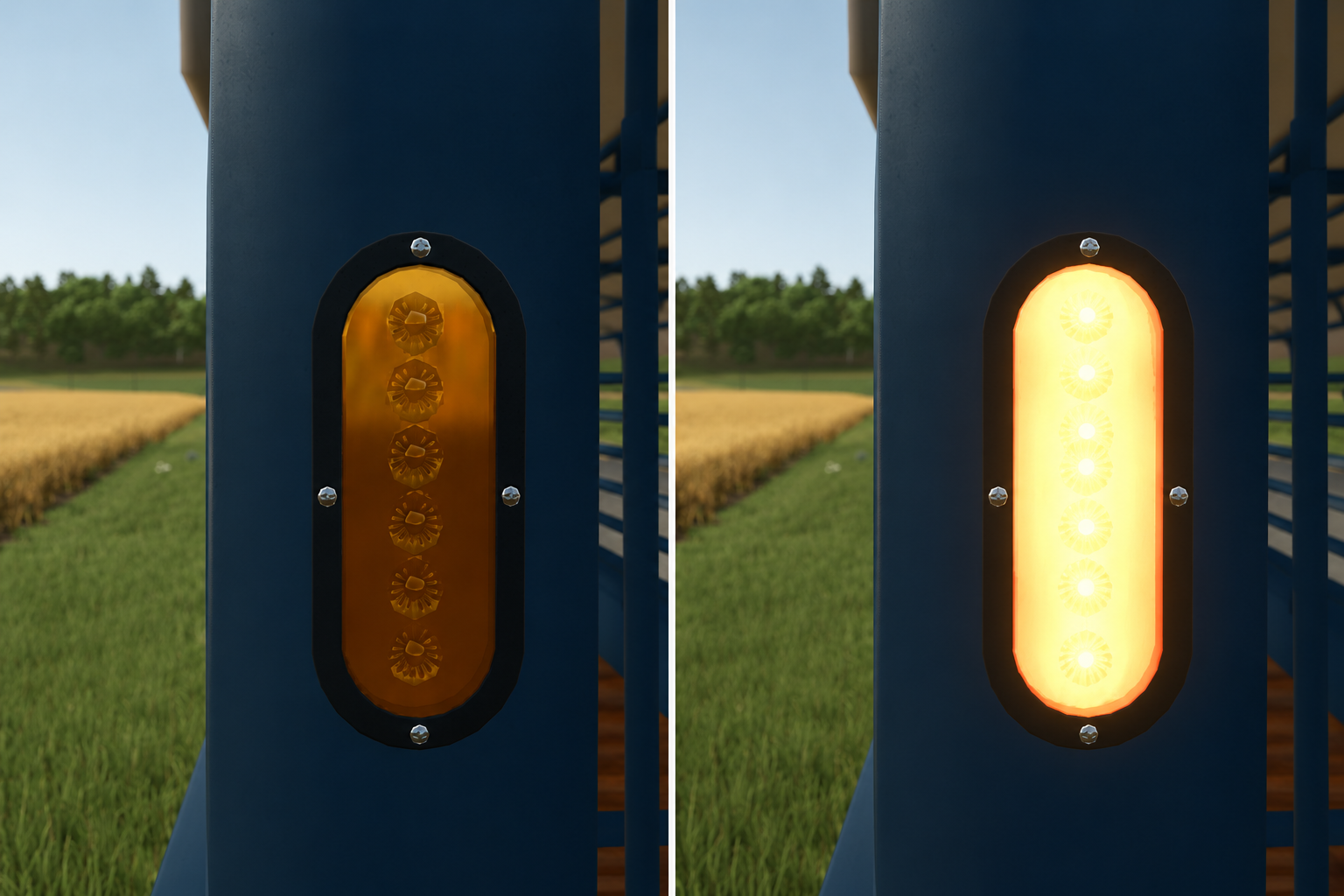
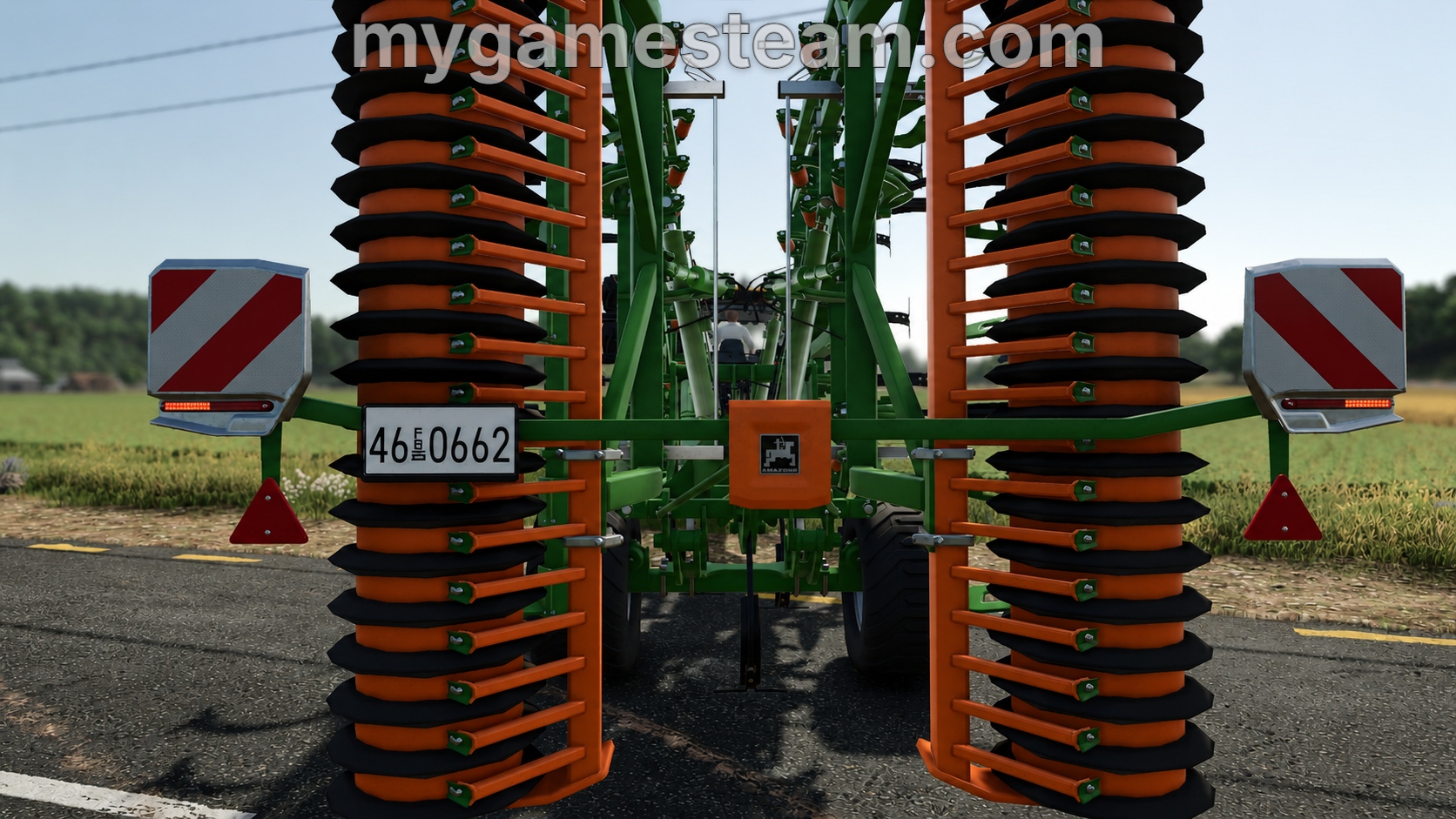
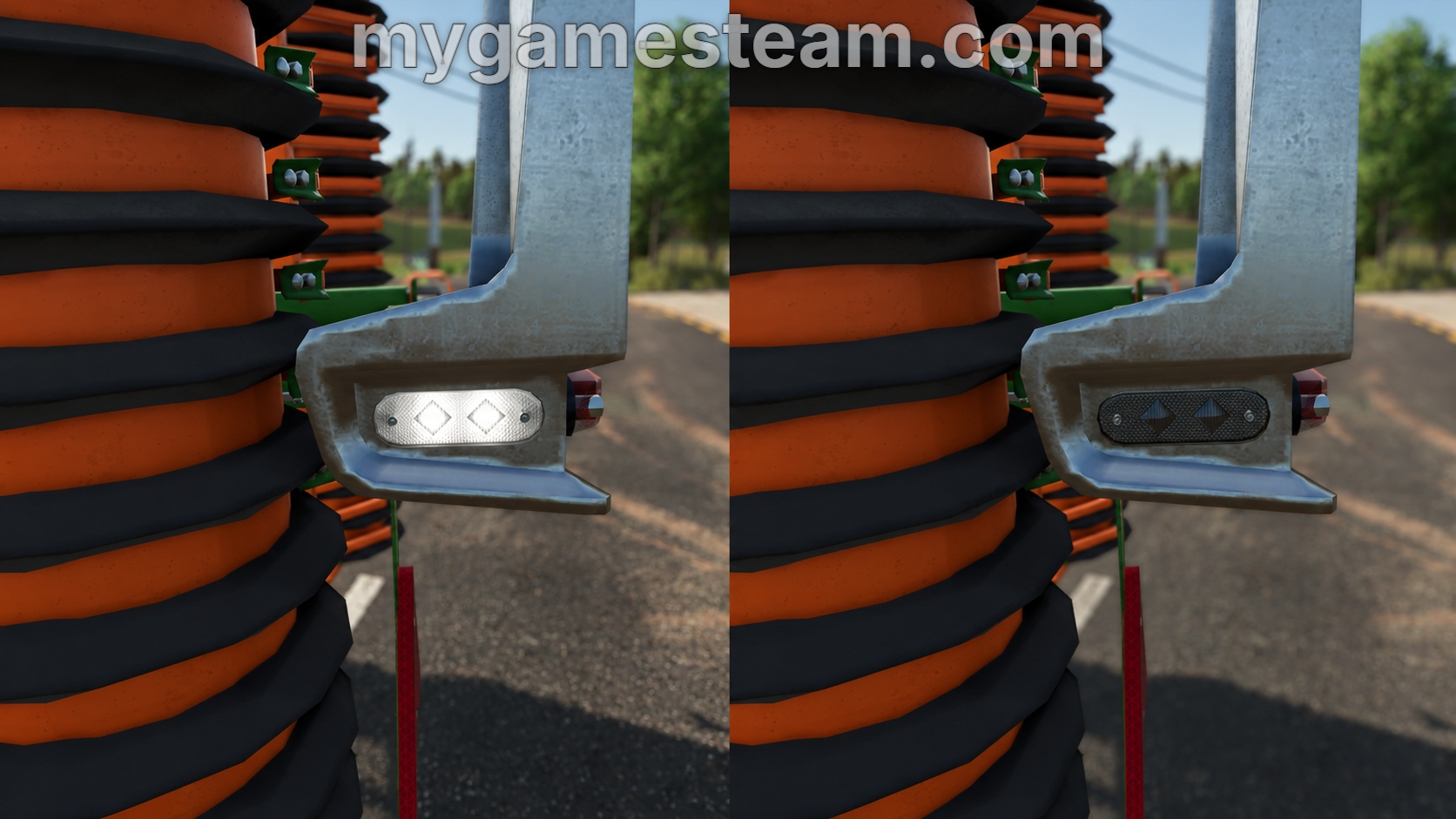
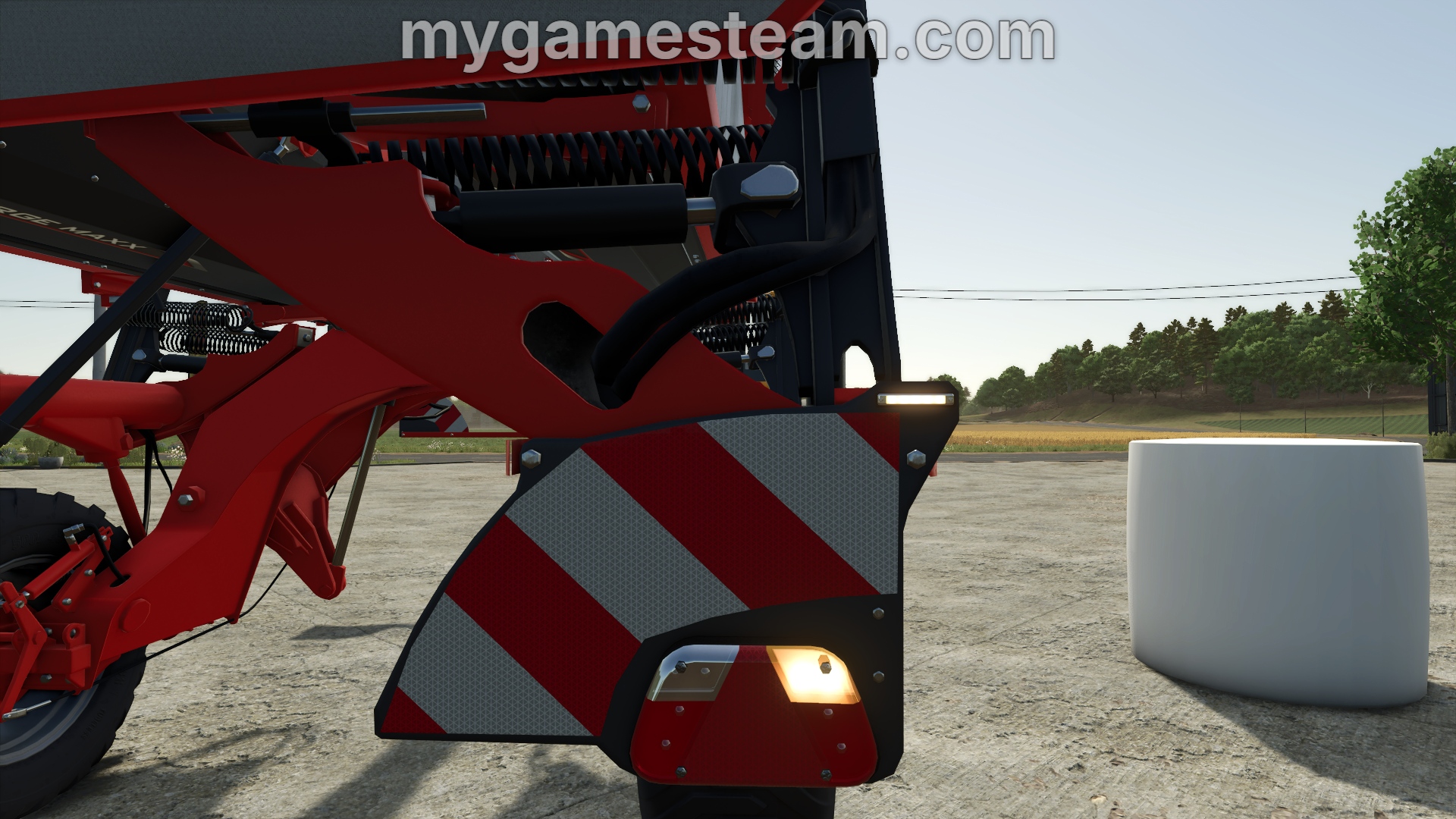
The MGS Light Manager for FS25 is a Blender add-on designed to simplify vehicle light UV setup for Farming Simulator 25 modders.
Instead of manually moving UVs across the FS25 light texture layout, the add-on provides predefined light types that position your UVs in the correct tile with a single click.
The add-on includes predefined positions for Default Lights, High Beams, DRLs, Turn Lights, Brake Lights, Reverse Lights, Work Lights, and more.
Light presets also support smart UV selection. If UVs are selected, only the selected UVs are moved to the chosen light position. If no UVs are selected, the complete active UV map is moved instead.
Built-in directional controls allow selected UVs to be moved one tile up, down, left, or right for quick manual adjustments.
MGS Light Manager for FS25 supports Blender 3.0 and newer, including Blender 5.x, while maintaining compatibility with older supported Blender versions.
- Added 3D View selection support for UV movement.
- Improved multi-object and multi-part selection handling.
- Light presets now correctly preserve UV positions when moving parts from different tiles.
- Improved switching between UV Editor and 3D View selections.